Getting started
Switch from Laravel Debugbar
Check which parts of Laravel Debugbar your app actually uses, then move one local debugging workflow at a time.
Check the application requirements
Read Installation first. The New Debug Bar uses Livewire 4 for its interface. An app does not need to use Livewire itself, but an app constrained to Livewire 3 cannot install it alongside that dependency.
Identify the Laravel Debugbar package actually installed in Composer. Recent versions use fruitcake/laravel-debugbar; older applications may use barryvdh/laravel-debugbar.
Find application calls before removing anything
Search application code, Blade templates, tests, and service providers for these integration points:
-
The
Debugbarfacade and calls such asDebugbar::info()orDebugbar::startMeasure(). -
The
debugbar()anddebug()helpers, collection debug calls, and custom collectors. -
Explicit service-provider registration, aliases, and published
config/debugbar.phpsettings. - Agent commands, skills, or scripts that call Laravel Debugbar’s Artisan commands.
Understand the current workflow differences
| Workflow | The New Debug Bar |
|---|---|
| Recent requests | The browser picker discovers requests on the current page. MCP can list retained profiles outside that list. |
| Storage | Local profile files with count and age limits; no package database migration. |
| Application source | Source controls copy a location. Do not assume editor navigation or container path mapping. |
| Coding agents | Five focused, read-only MCP tools with bounded access to retained profile evidence. |
| Manual messages | Use Laravel logging for ordinary request context; there is no equivalent custom diagnostics API yet. |
| Custom timers or collectors | Do not remove their current implementation expecting The New Debug Bar to replace them. |
Laravel Debugbar also documents agent commands and an agent skill. Compare the actual workflows you need rather than treating agent support as unique. See its current usage guide.
Install and verify one local workflow
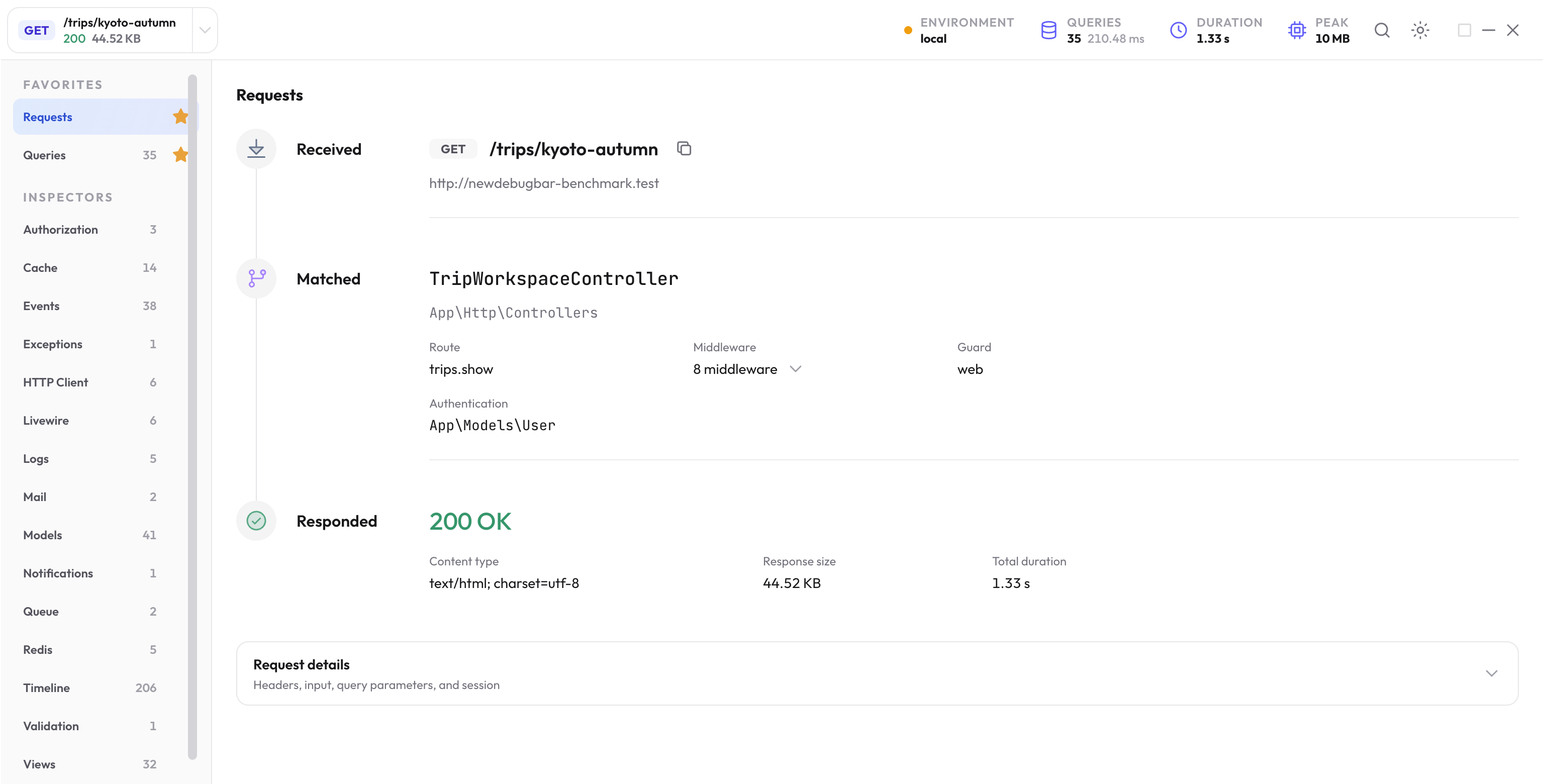
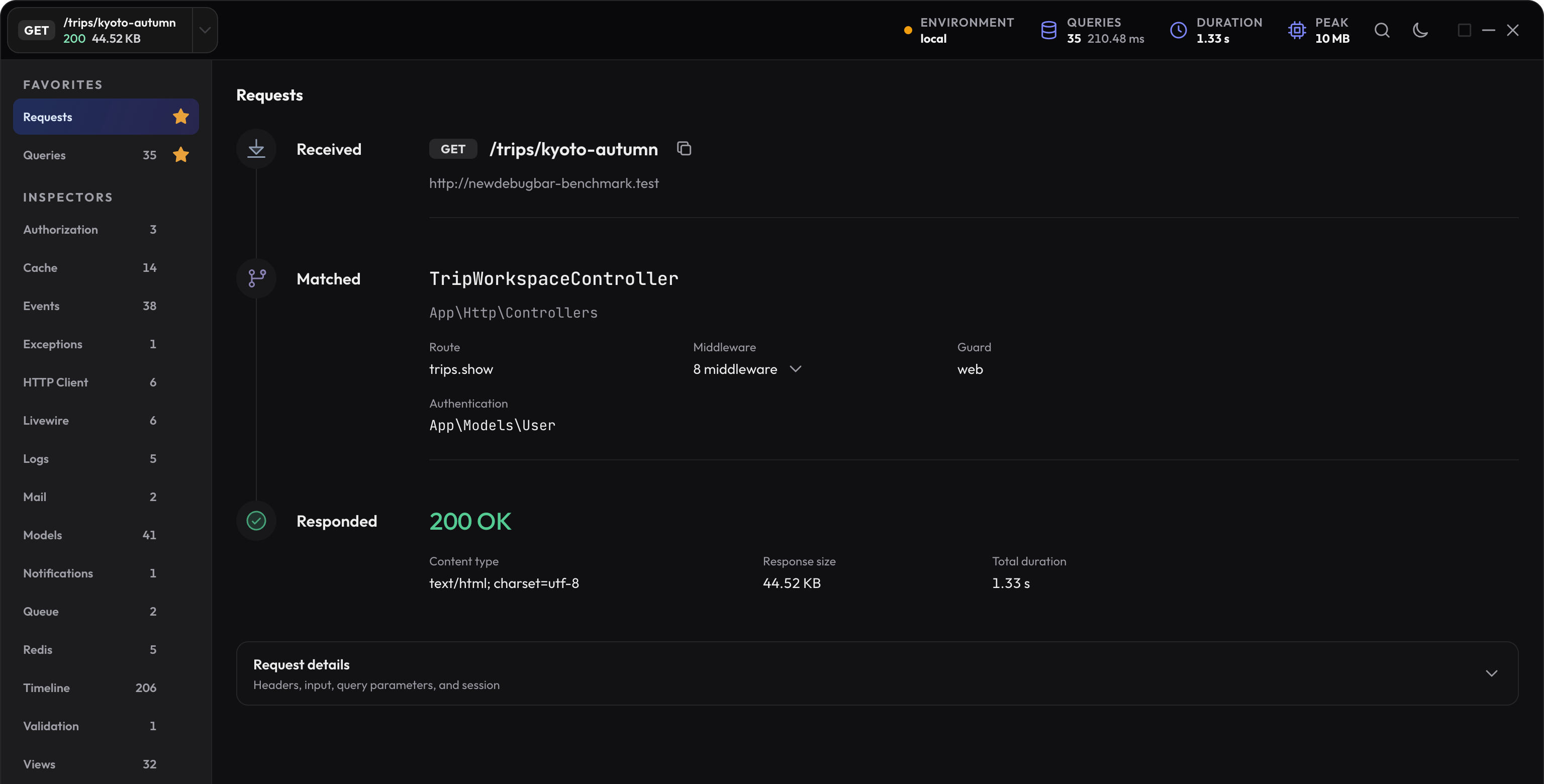
Use the current installation command. Load a known page, select the exact request, and inspect Queries plus the inspector you use most. If you use an agent, connect MCP and read the same response ID.
Temporarily running two debuggers adds collection overhead. Their diagnostic totals and interfaces are separate. Use that overlap to compare a specific workflow, then choose the intended setup.
Remove the old package when its consumers are handled
When Composer lists fruitcake/laravel-debugbar and you have replaced or removed the app’s uses of it, remove that development dependency:
composer remove --dev fruitcake/laravel-debugbar
Use barryvdh/laravel-debugbar instead only if that is the package your application actually has installed. Review its now-unused config, aliases, and explicit provider registration rather than deleting unrelated files.
Adapt agent instructions to the The New Debug Bar setup and tool names.
Check behavior after the switch
- Load the important page and exercise a later fetch or Livewire update.
- Check the captured SQL, application source, exceptions, and your most-used inspector.
- Run application tests that cover any changed helper or logging code.
- Confirm the agent reads the correct app and profile.
- Keep unresolved needs explicit; do not substitute a roadmap feature for a current capability.