Framework activity
Inspect mail and notification delivery
Review recipients, subjects, previews, attachments, channels, payloads, failures, and queued outcomes for the selected request or worker profile.
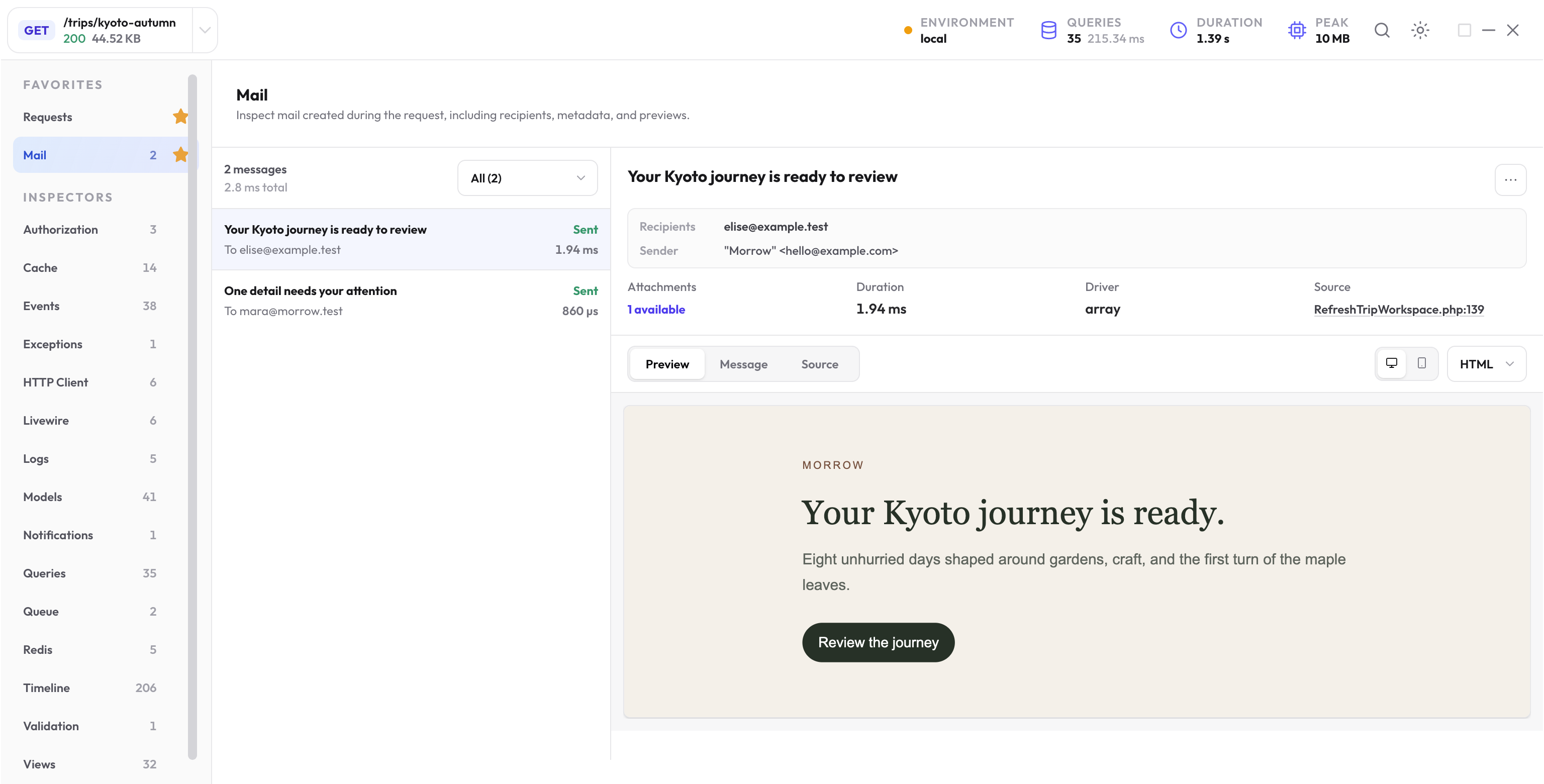
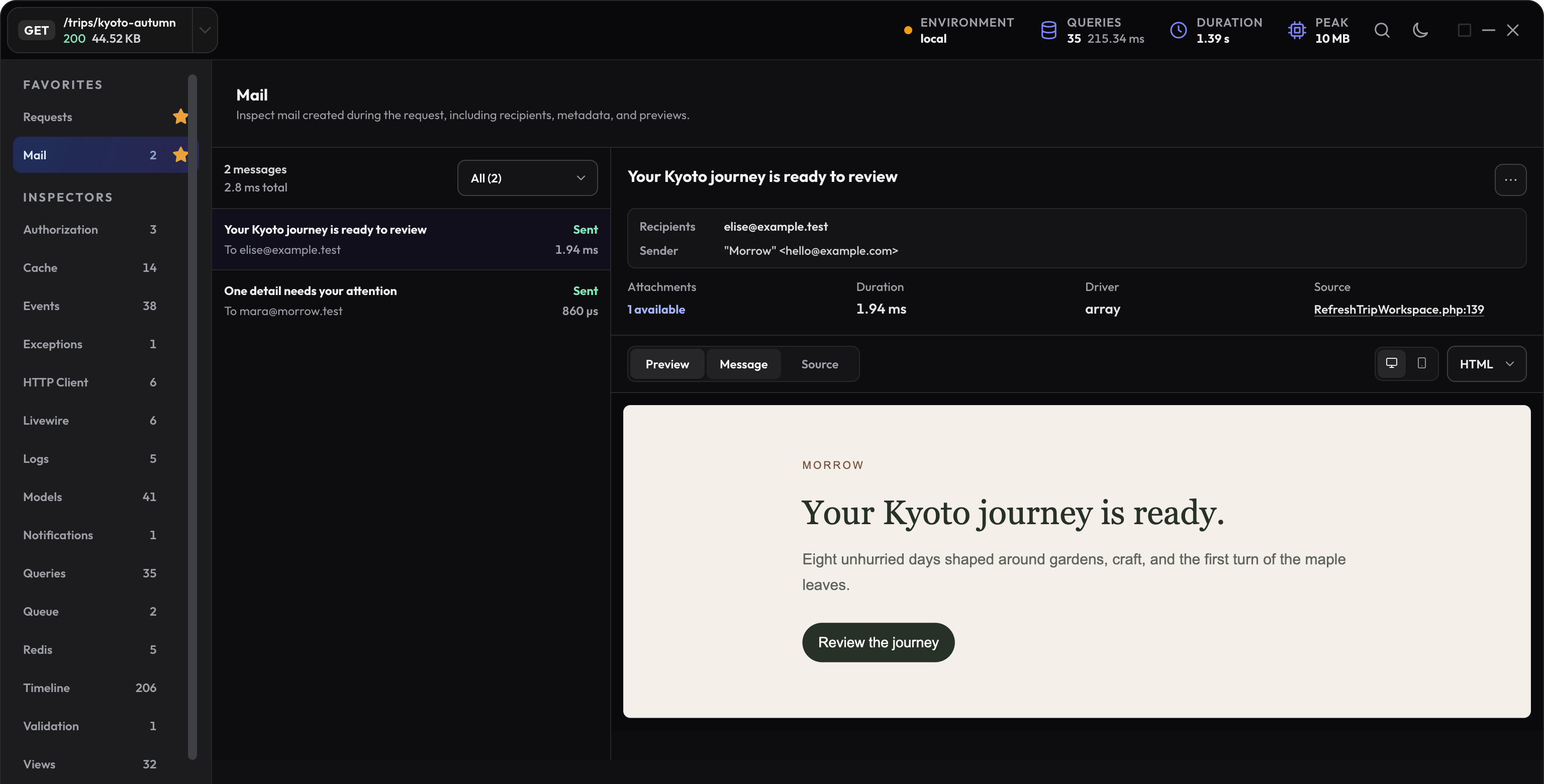
Inspect created mail
The Mail inspector retains bounded message metadata, sender and recipient addresses, subject, headers, HTML and text bodies, attachments, source, and queued facts when available.
- Confirm To, Cc, and Bcc recipients before judging delivery behavior.
- Open the HTML and text forms to catch missing content or different fallback copy.
- Check the application source when a message is created more than once.
- Use the worker profile when queued mail is rendered or sent outside the web request.
Mail previews and attachments are bounded
Each retained HTML and text body is limited to 50,000 bytes by default. Attachment bodies are retained up to a 2 MB budget per message; metadata remains visible when a file body is beyond the budget.
Preview and download responses are local package routes with private, no-store caching. They still expose the values already present in the local profile, so protect any shared development environment.
Review each notification channel
The Notifications inspector connects the notification class and recipient to each channel delivery. Inspect payload, status, failure, timing, source, and related mail evidence instead of treating one multi-channel notification as several unrelated operations.
Follow queued communication into the worker
Queued mail and notifications can show pending background activity in the origin profile. After a local worker handles the job, refresh related activity and open the correlated worker profile for the final sent or failed outcome.
Keep the origin and worker evidence separate: the origin explains who queued the communication; the worker explains rendering, channel calls, failures, and side effects during delivery.
Debug one message or notification
-
Confirm the selected profile
Choose the web request or worker that actually created or sent the communication. -
Check recipient and content
Review addresses, subject, body forms, attachment metadata, channel, and payload. -
Open its source
Trace duplicate or missing communication to the application call site. -
Follow queued outcomes
Refresh related activity and inspect the worker profile before concluding delivery failed.
Example: inspect a message through a local transport
In an isolated local example, choose Laravel’s log mailer before sending a test message:
MAIL_MAILER=log
Clear cached configuration after changing the mailer, then send the app’s existing mailable to a fixture recipient:
Mail::to('elise@example.test')->send(new JourneyReviewReady($trip));
JourneyReviewReady and Trip belong to the example app. Open the exact request’s Mail inspector, confirm the recipient and subject, then compare the HTML and text previews and attachment metadata.
Read the outcome for each notification channel
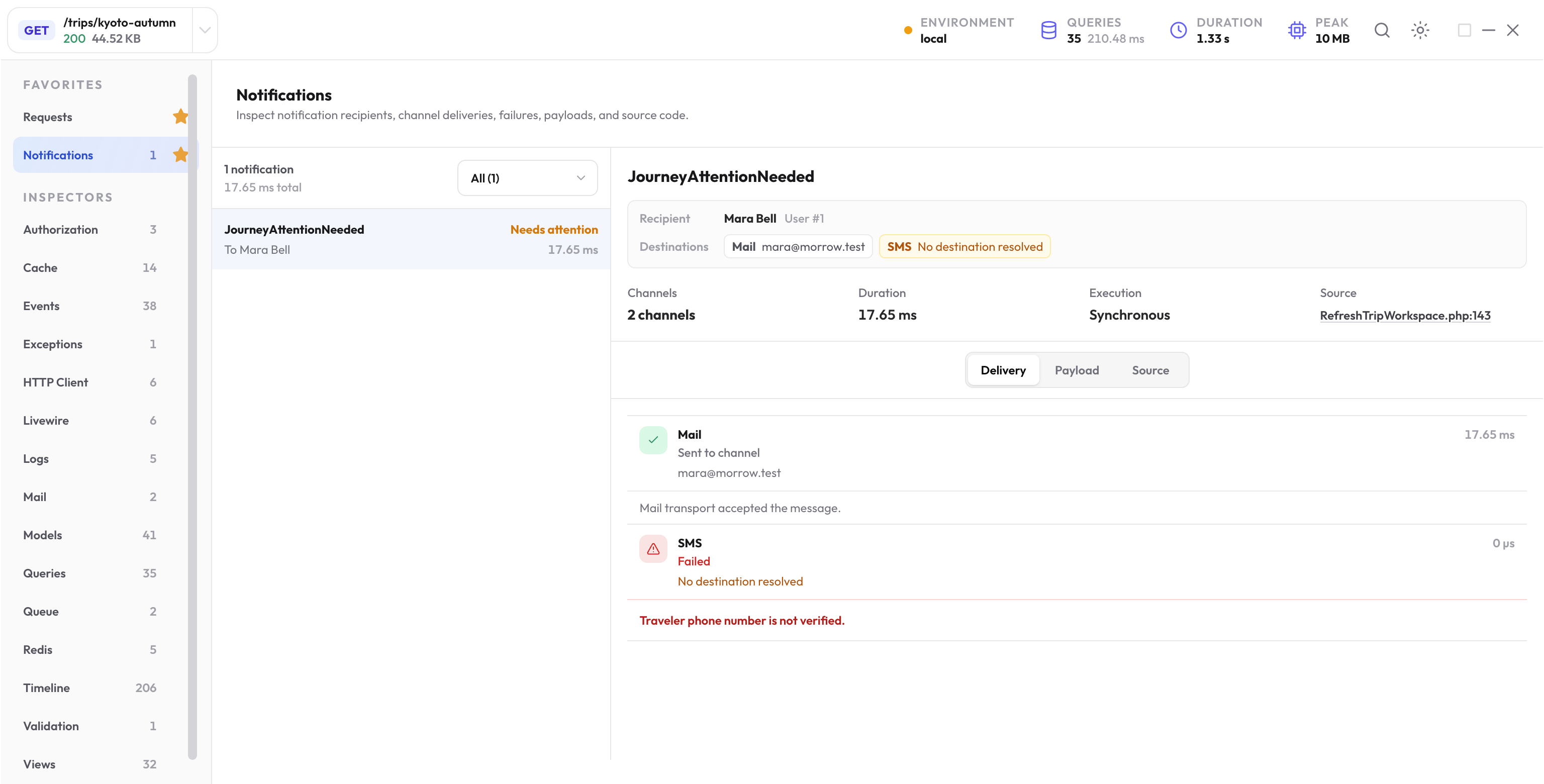
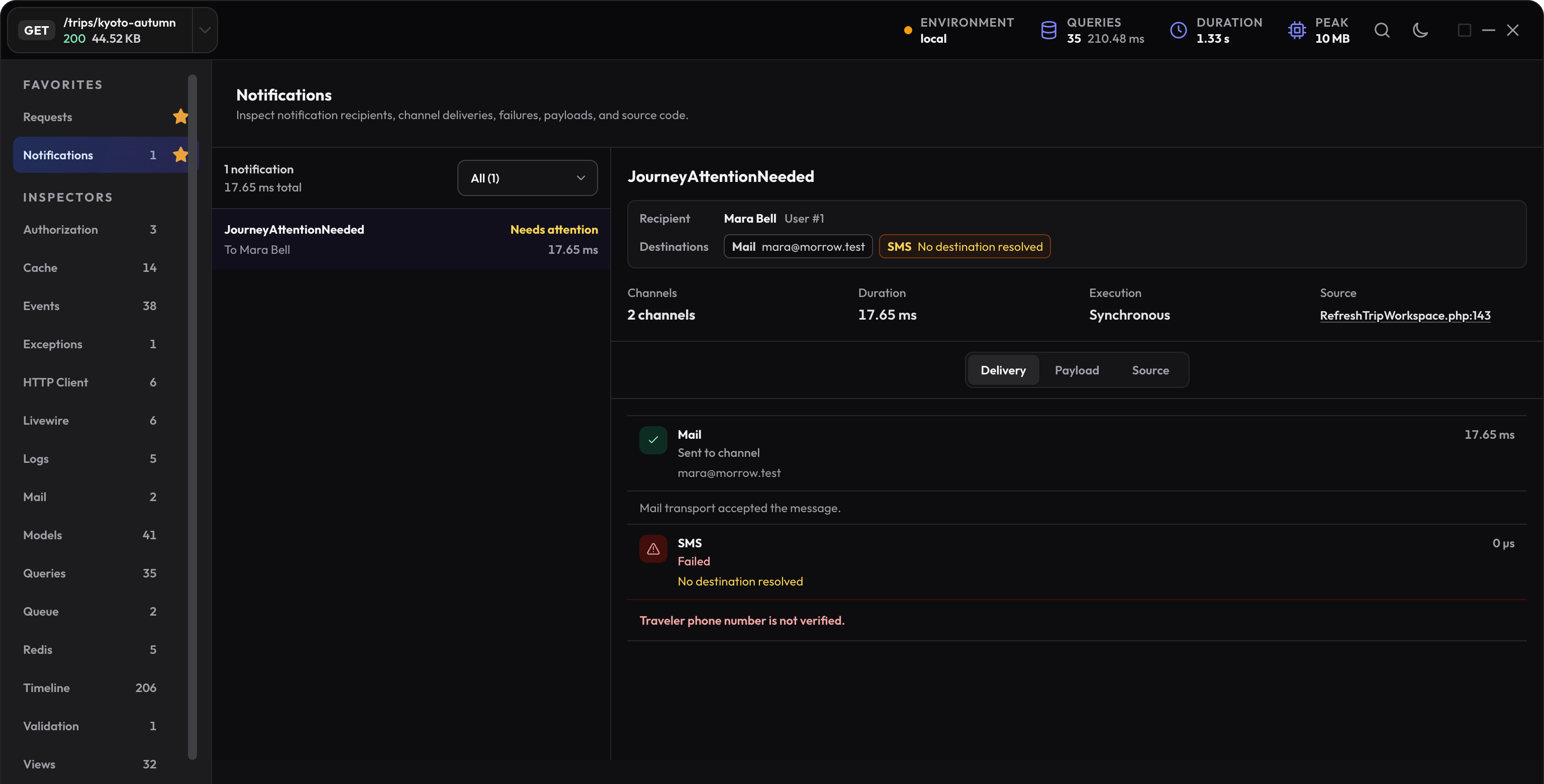
Check the notification class, recipient, channel, status, and any retained failure. A queued notification may only have dispatch facts in the originating request. Its worker profile can contain the actual channel attempt.
A sent or completed event records the app or transport outcome available to Laravel. It does not prove that a human received or read the message.
Use fakes for the question they answer
Mail::fake() and Notification::fake() are useful for asserting that the application attempted the right communication. They can bypass the real rendering or transport events that populate a preview.
To inspect rendered content, exercise the local log or array transport with fixture data. To test dispatch intent, use Laravel’s fake assertions. Keep those checks separate.
Next step
Understand the worker profile
Connect an origin request to a delayed, sent, or failed local queue-worker execution.
Open the queues guide