Framework activity
Find missing data and repeated Blade work
Choose the actual template occurrence that built the unexpected output. Its retained data and original source give you a concrete place to start.
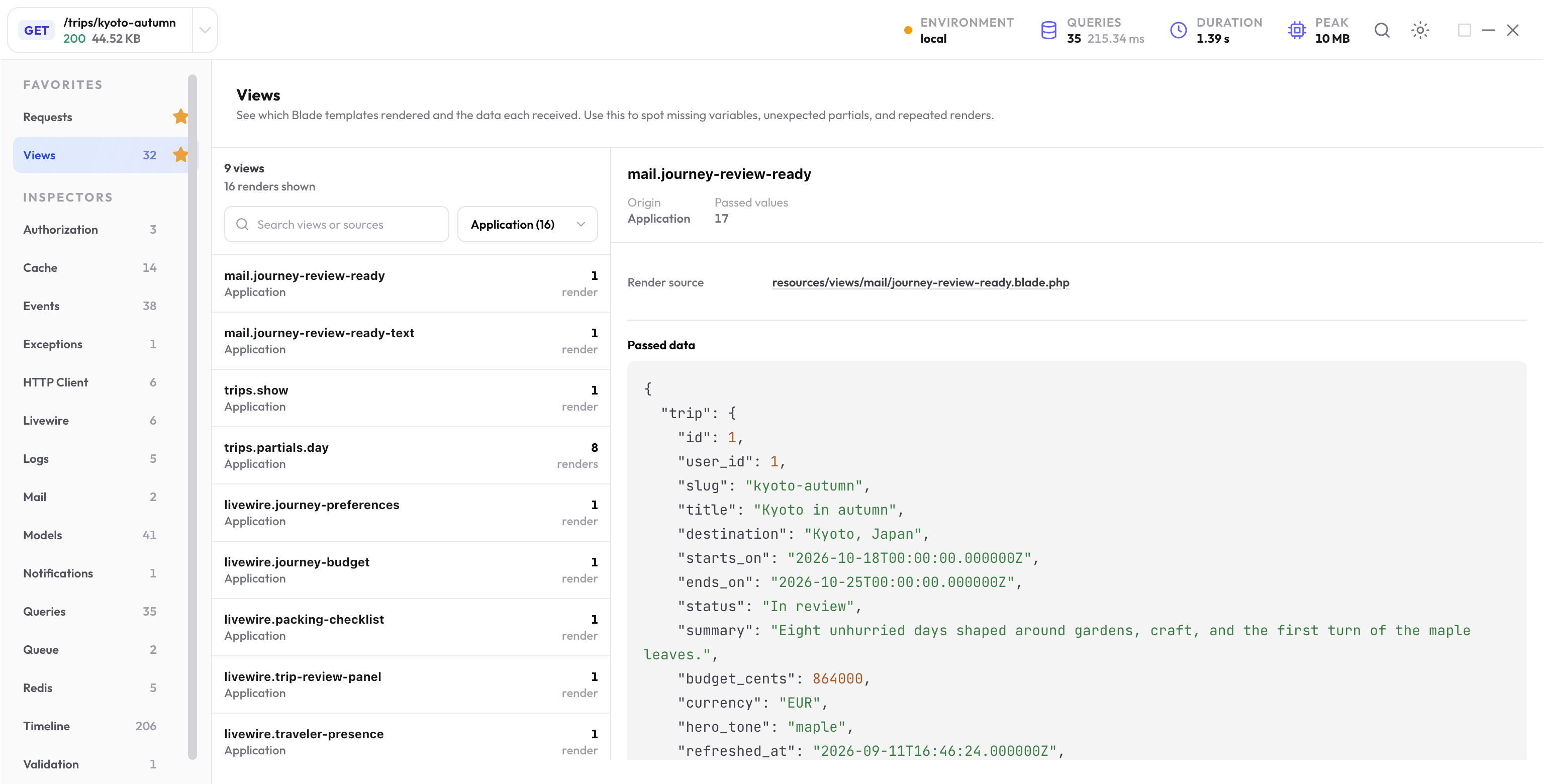
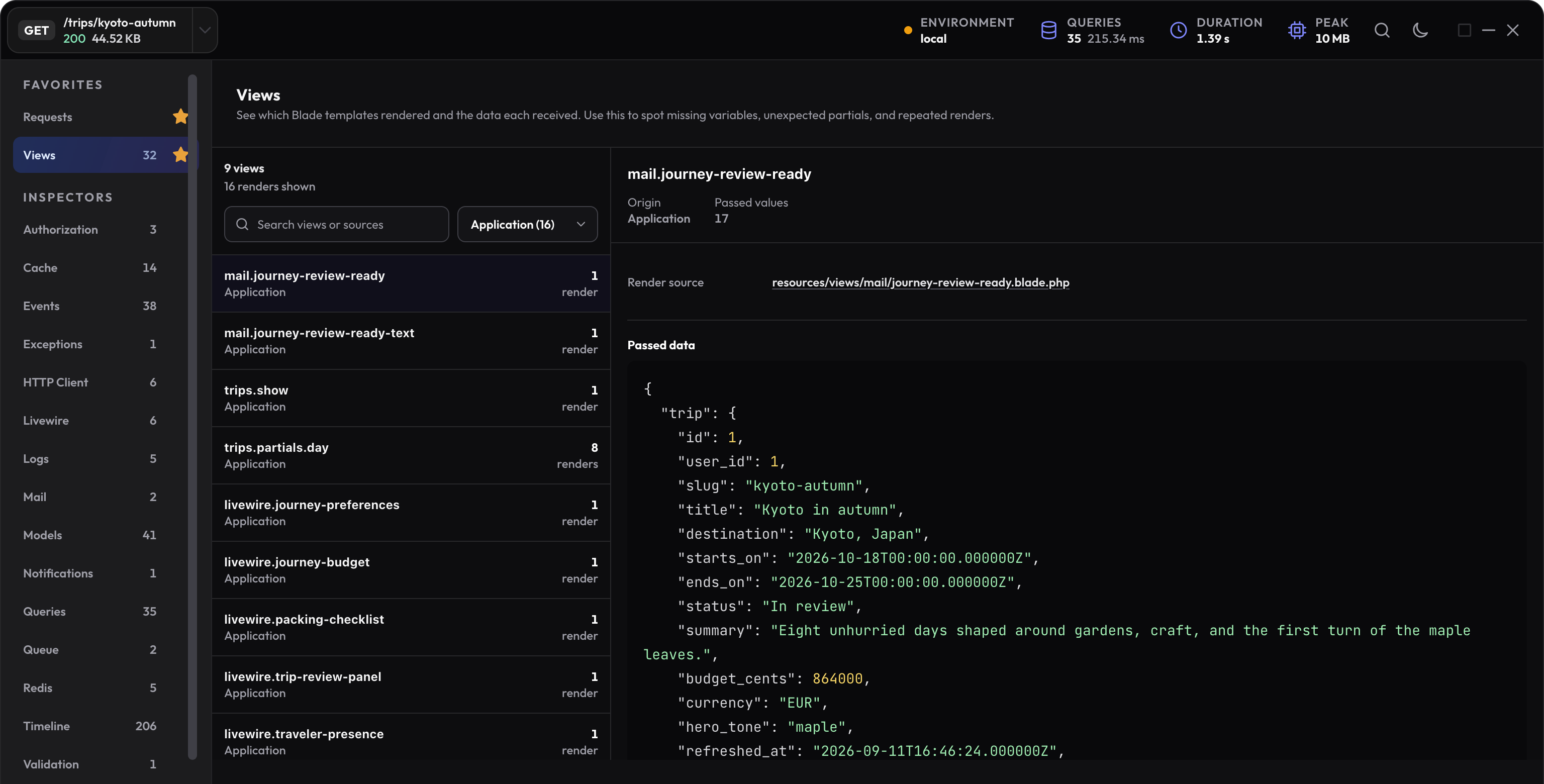
Find the right template occurrence
Open Views in the selected request. Search for a template name or source path. The application filter keeps the first view focused; switch to all or framework views when needed.
A template can be composed several times with different data. Choose the occurrence that corresponds to the visible card, row, mail, or component you are investigating.
Compare the expected key with the retained data
Suppose the controller passes a title under one name:
return view('trips.summary', ['title' => $trip->title]);
But the template reads a different variable:
<h1>{{ $journeyTitle }}</h1>
Open the retained data for trips.summary. Seeing title where the template expects journeyTitle points to a data-contract mismatch. Align the key and the template:
return view('trips.summary', ['journeyTitle' => $trip->title]);
Then reload the same page and check its rendered heading. If the variable is still wrong, inspect the view composer and the occurrence that actually produced this part of the page.
Check composers and shared data
Registered composer evidence can explain data added outside the controller. Follow the composer source, shared view data, and the selected template rather than assuming the controller supplied every value.
The package retains bounded data. It does not execute renderable objects or lazy component methods to turn them into a screenshot-friendly value. A class label for such a value is expected.
Investigate repeated composition
A partial used once per itinerary day should appear several times. Repetition becomes useful evidence when the same partial or data lookup runs more often than the output needs.
- Check the parent loop and the number of visible records.
- Look for data lookups in a template, accessor, or composer.
- Use Queries to see whether repeated view work also repeats SQL.
- Compare the same request after changing the caller.
Read deeper view data with an agent
Start at /inspectors/views with get-debug-profile-data, then follow the returned paths to the chosen occurrence. Retained data is available under paths such as /inspectors/views/payload/items/0/data; use the returned index for your profile.
A missing field may have been omitted at capture time. Read the omission state before treating a partial object as complete.
Verify the actual page output
Check the corrected HTML and the chosen view’s retained data. For an important data contract, a Laravel view assertion can protect the supplied value:
get('/trips/kyoto-autumn')
    ->assertOk()
    ->assertViewHas('journeyTitle', 'Kyoto in autumn');
Use this assertion only on a route that actually returns that key. Keep response or browser assertions for the rendered result as well.