Framework activity
Separate cache behavior from direct Redis work
Use Cache for Laravel’s cache abstraction and Redis for direct client commands, then trace keys, stores, results, failures, timing, and source without counting the same operation twice.
Choose the inspector by API
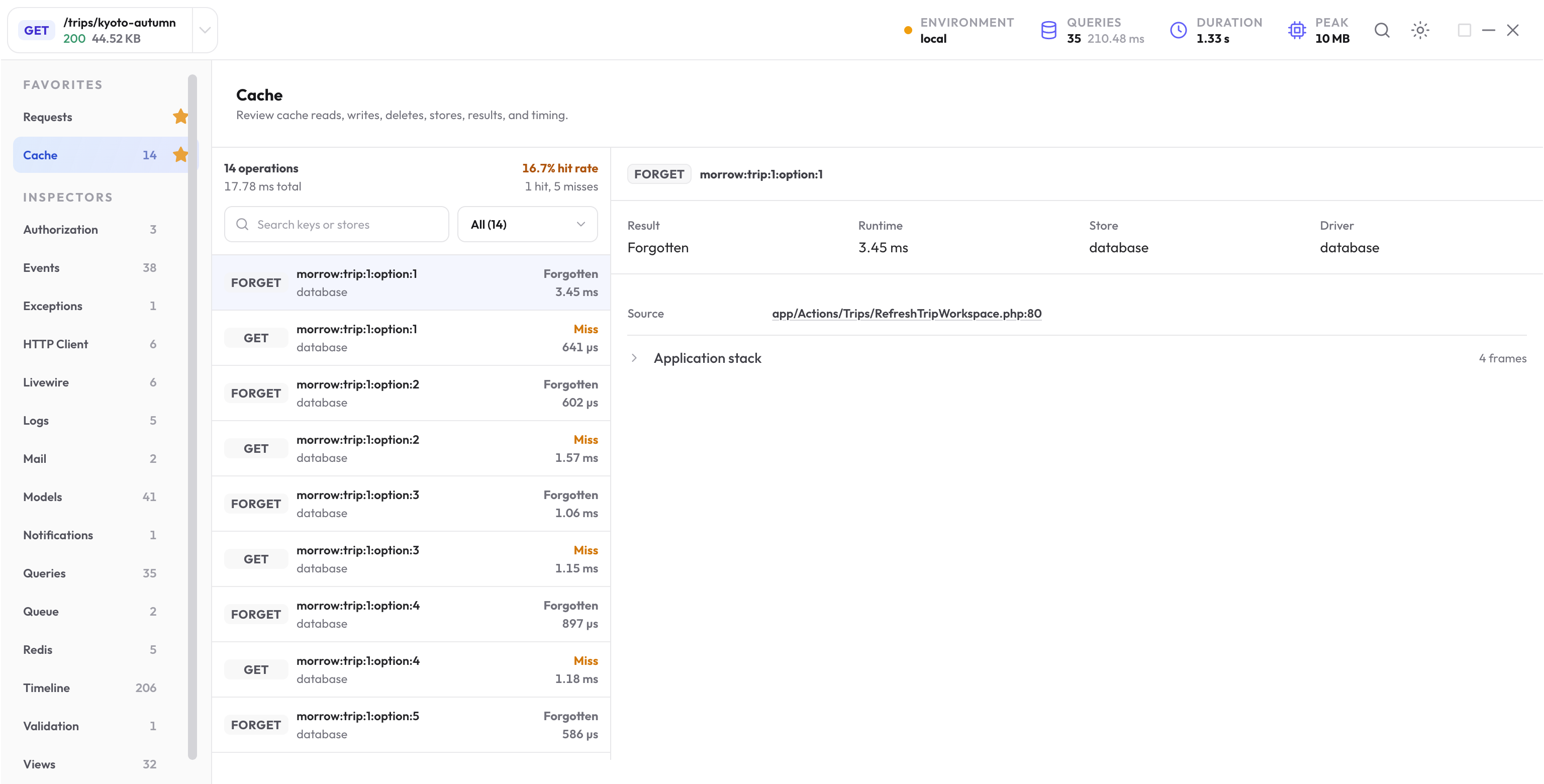
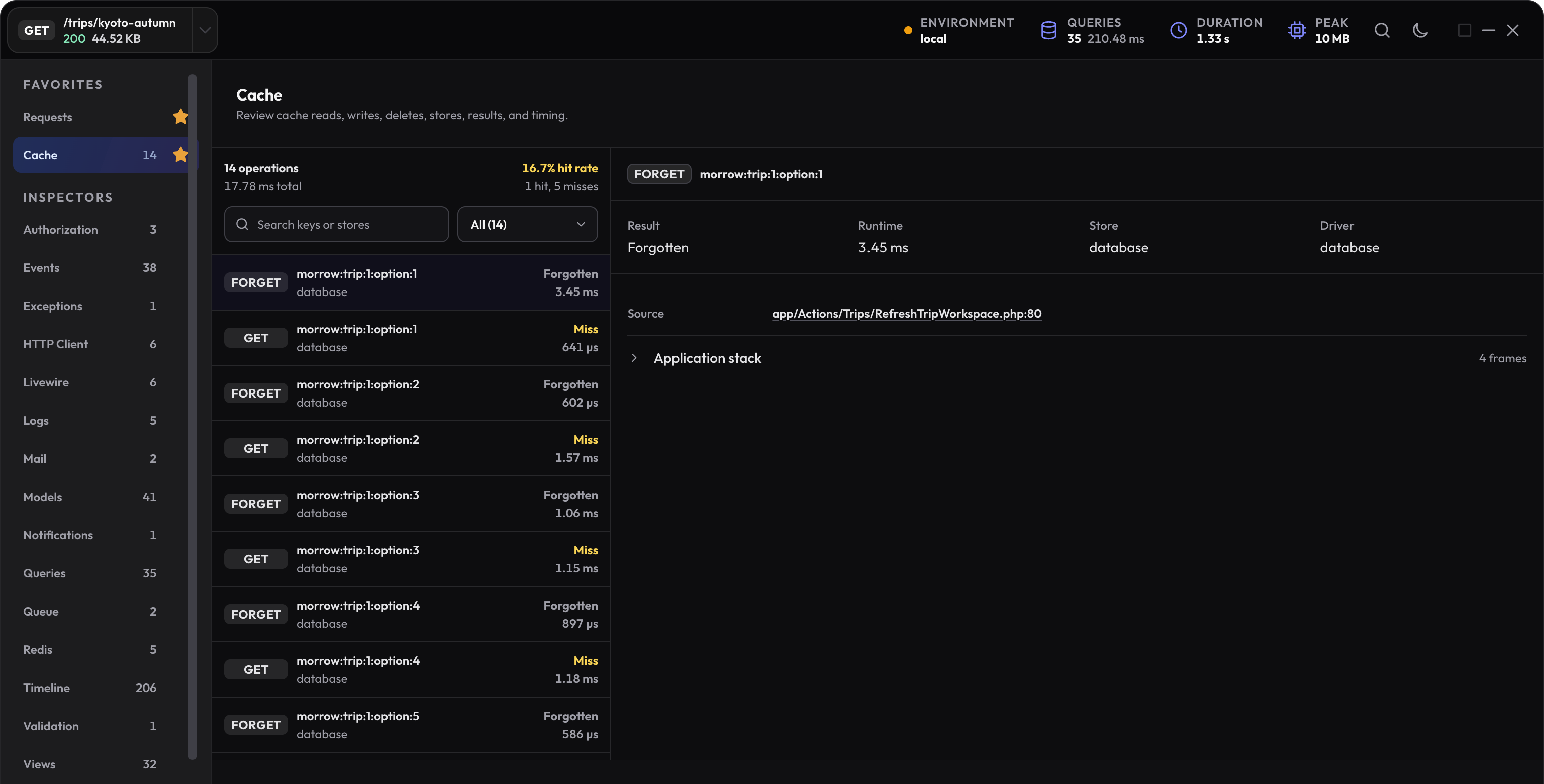
Cache records operations emitted by Laravel’s cache system, regardless of the selected cache driver. Redis records commands made through the Redis client. When a Redis-backed cache operation also emits a low-level command, The New Debug Bar removes the duplicate Redis entry.
Inspect cache operations and results
Review reads, writes, deletes, flushes, stores, drivers, tags, key evidence, duration, failure state, and application source. Open unusual operations such as a full flush or repeated write before judging the total count.
- A hit shows that the selected store returned a cached value.
- A miss shows that the app had to continue without that cached value.
- A failed read or write is different from a normal miss and should be traced to its store and source.
- A flush clears the selected store broadly; confirm that the source intended that scope.
Treat a high miss rate as a lead
By default, a high-miss finding needs at least five cache reads and an 80% miss rate. The minimum avoids warning about one small lookup; the rate highlights repeated work that may not be benefiting from caching.
Confirm that the keys are expected to be warm, the correct store and tags are used, TTLs are appropriate, and no earlier source flushes or forgets them. A first request after a deliberate cache clear can have a valid high miss rate.
Inspect direct Redis commands
The Redis inspector keeps the command, connection, recognized bounded key evidence, timing, failure state, application call site, and an exception class when available. Arbitrary arguments, field values, and return values are not retained.
Use the source to distinguish an intentional pipeline, lock, rate limiter, pub/sub action, or application data structure from accidental repeated commands. A slow command needs database-side context as well as local duration.
Choose exact keys or stable hashes
The default key_policy is full, which keeps bounded exact cache keys, Redis keys, and cache tags for private local debugging.
Set NEWDEBUGBAR_KEY_POLICY=hash when stable matching is enough. Hashed evidence lets you recognize repeated use without retaining the original key.
Example: a cold read followed by a hit
This isolated example deliberately starts with one empty key. Run both reads in the same local action:
$key = 'docs:journey-summary';
Cache::forget($key);

$first = Cache::remember($key, 300, fn () => ['days' => 8]);
$second = Cache::remember($key, 300, fn () => ['days' => 99]);
The second result should still contain eight days: the cache hit avoids running the second producer. Open Cache and check the key, store, first miss, write, and later hit.
If both reads miss in your real app, compare key construction, store, tags, TTL, and any earlier forget or flush. An array store is process-local, so it does not make a value survive separate HTTP requests.
Inspect direct Redis work separately
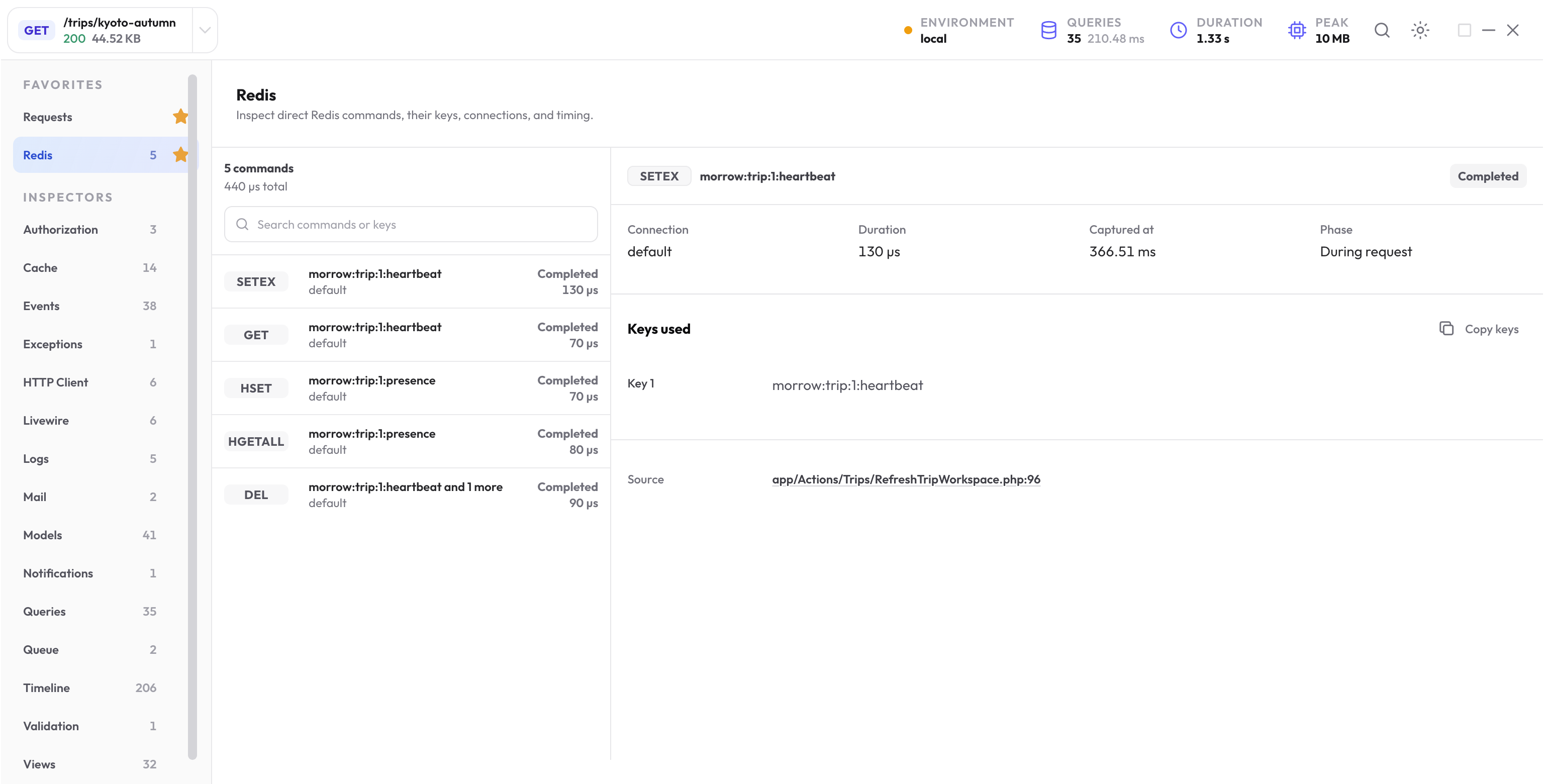
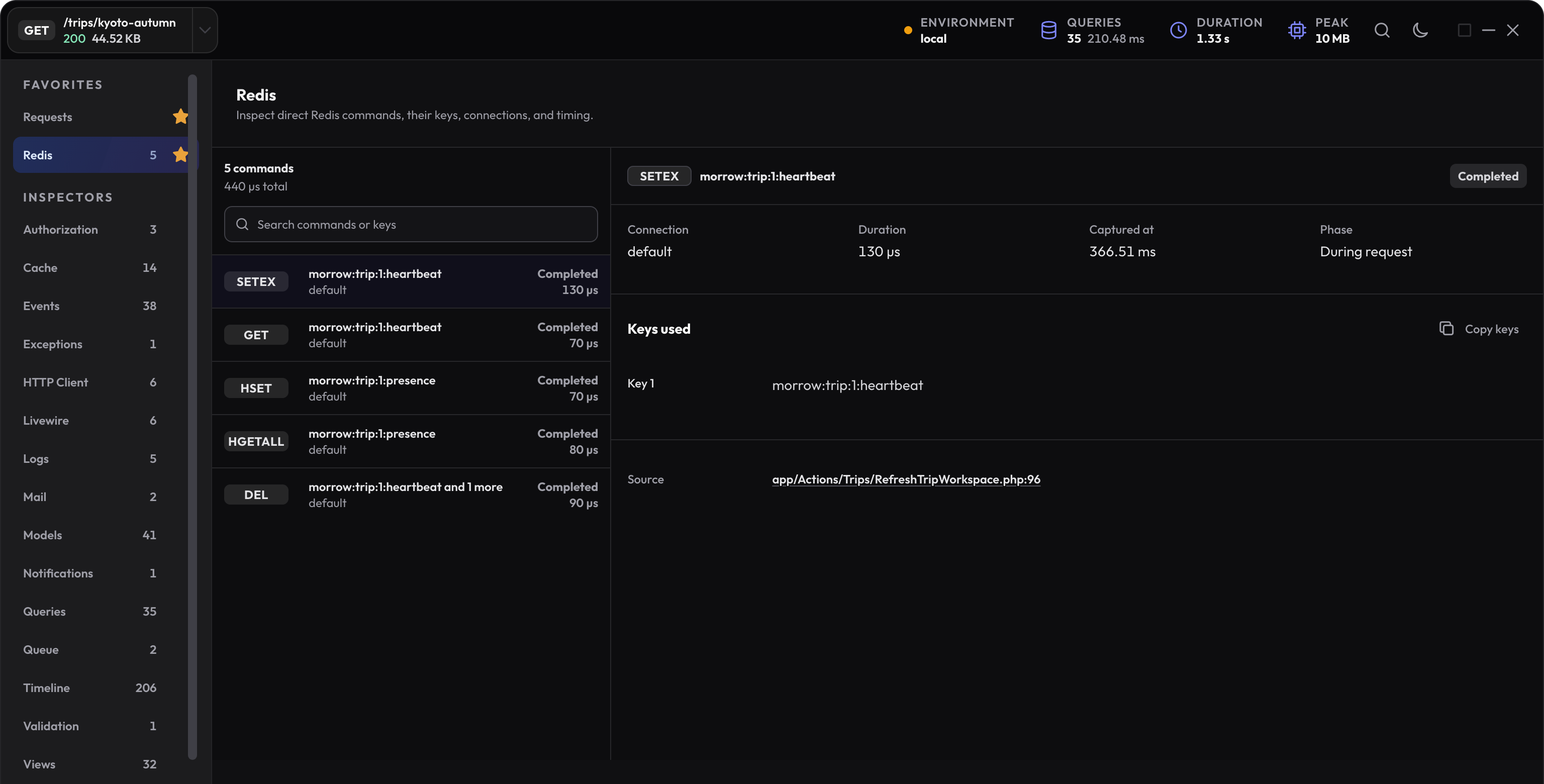
In a configured local Redis connection, a short example can produce an obvious sequence:
Redis::setex('docs:journey:heartbeat', 60, 'active');
Redis::get('docs:journey:heartbeat');
Redis::del('docs:journey:heartbeat');
Check SETEX, GET, and DEL, their recognized key, connection, timing, and source. Do not expect the string active or the GET result to appear as a retained value.
When Laravel cache uses Redis underneath, the duplicate low-level cache commands are removed from the Redis inspector. Use Cache to explain the cache result.
Verify the data returned by the cache
Check the value the application actually receives as well as the hit rate. A warm hit on the wrong key or store is not correct behavior. Use a focused application test for the key, producer result, and invalidation path.
Next step
Review retained local values
See how capture-time policies, collection limits, storage, browser access, and MCP access apply to keys and other profile data.
Open data and privacy