Getting started
Install The New Debug Bar
Add it to your Laravel app with one Composer command. Laravel discovers the package and the bar appears automatically while you work locally.
Install the package
Run this command from your Laravel app:
composer require --dev newdebugbar/newdebugbar:dev-main
Keep The New Debug Bar in require-dev so production installs skip it.
Requirements
Before installing, make sure the app meets these requirements:
- PHP 8.1 or newer.
- Laravel 10 or newer.
-
A Laravel app running in its
localenvironment.
Check that it works
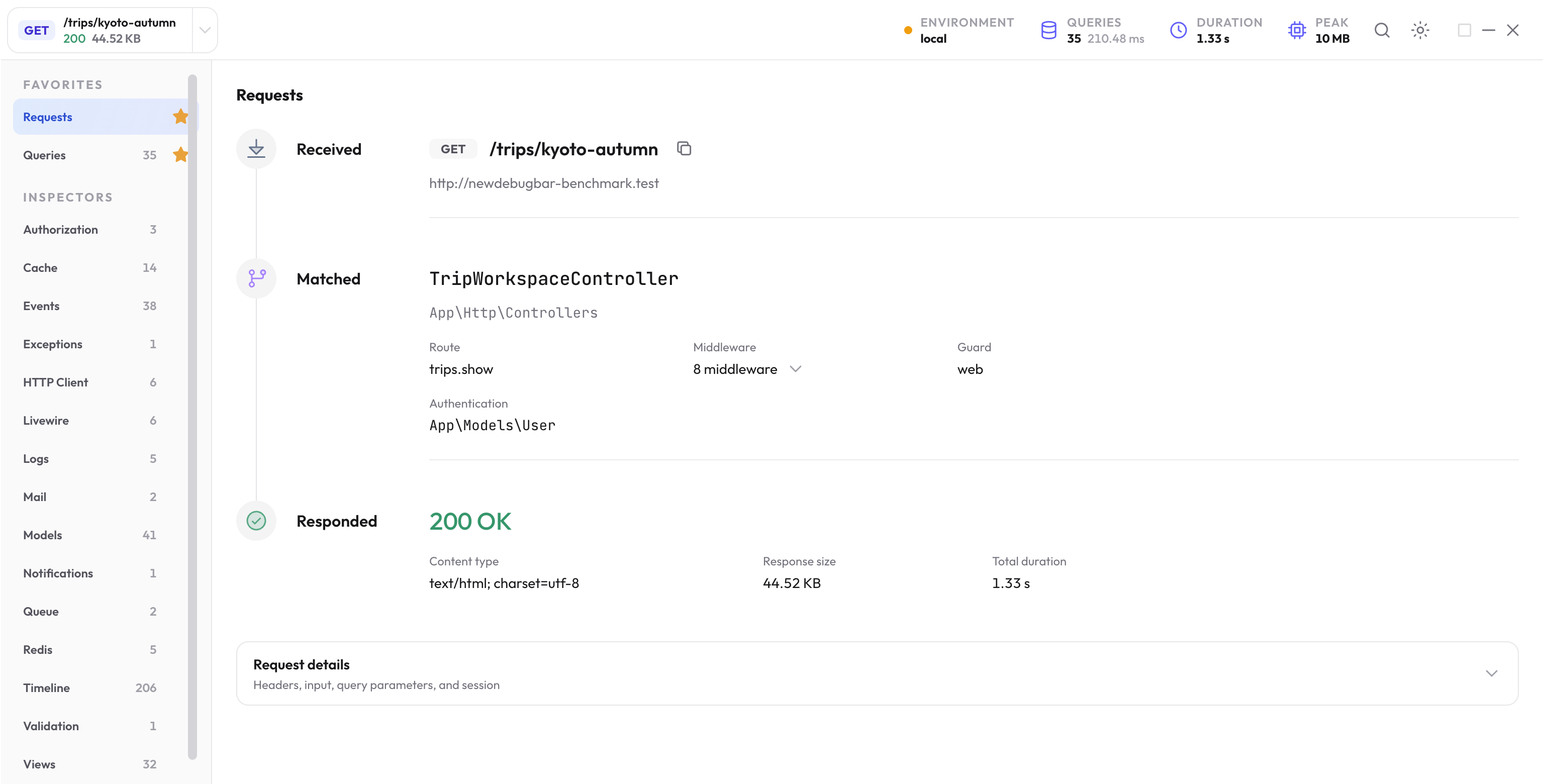
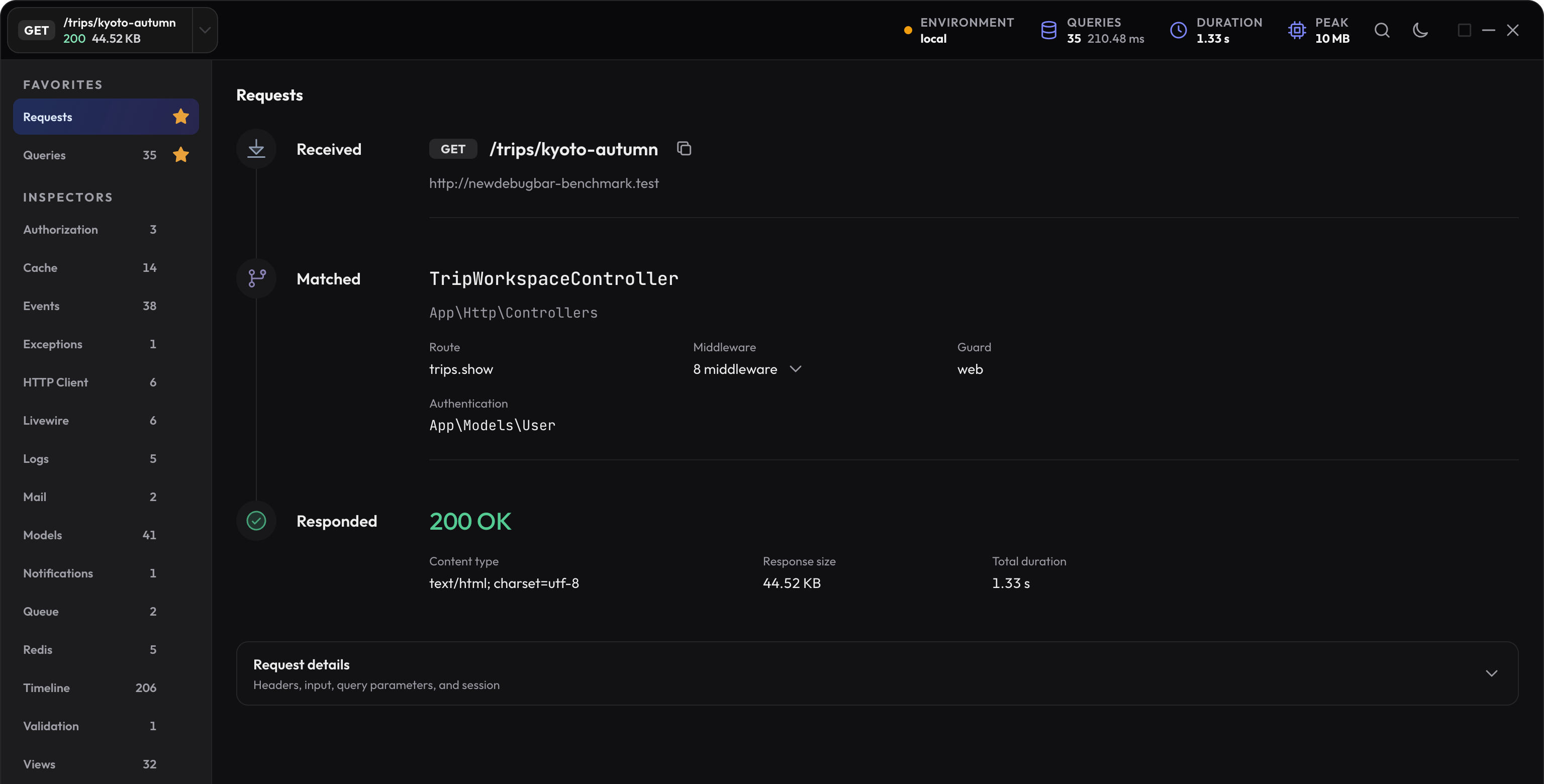
Open any normal page in your app while Laravel is using the local environment. The bar should appear at the bottom of the browser.
Optional configuration
The defaults work without a config file. Publish one only when you need to change a setting:
php artisan vendor:publish --tag=newdebugbar-config
To leave the package installed but turn it off, add this to your .env file:
NEWDEBUGBAR_ENABLED=false
Troubleshooting
The bar does not appear
local environment and that APP_DEBUG is true. If you explicitly set NEWDEBUGBAR_ENABLED, that value takes precedence over debug mode. If your app uses another name for local work, publish the config and add that name to newdebugbar.environments. After changing config, run php artisan config:clear and refresh the page.
Composer reports a Livewire conflict
The New Debug Bar requires Livewire 4. Apps that already depend on Livewire 3 are not supported yet, even though an app does not otherwise need to use Livewire itself. Ask Composer to explain the current dependency conflict without changing the project:
composer require --dev newdebugbar/newdebugbar:dev-main --dry-run
Use the PHP version required by your Laravel app
PHP 8.1 is the package’s lowest declared PHP requirement. Your selected Laravel version can require a newer PHP runtime. Composer checks the combined requirements; do not read separate minimum versions as a promise that every combination works.
Check the current Composer constraint when diagnosing a dependency conflict. The dependency check in Troubleshooting performs resolution without changing the project.
Choose the next useful guide
- The bar is missing or will not open — separate disabled capture, unsupported response bodies, and browser startup errors.
- Local environments — keep the web process, MCP client, and worker on the correct application setup.
- Queries — work through a concrete N+1 example.
Next step
Give your coding agent exact debug data
Connect the local MCP server so your agent can inspect saved request profiles instead of guessing from logs.
Open the MCP setup guide