Framework activity
Follow queued work beyond the web request
Inspect what the request dispatched, where it went, and—when a local worker processes it—which separate worker profile records the result.
Read the dispatch evidence
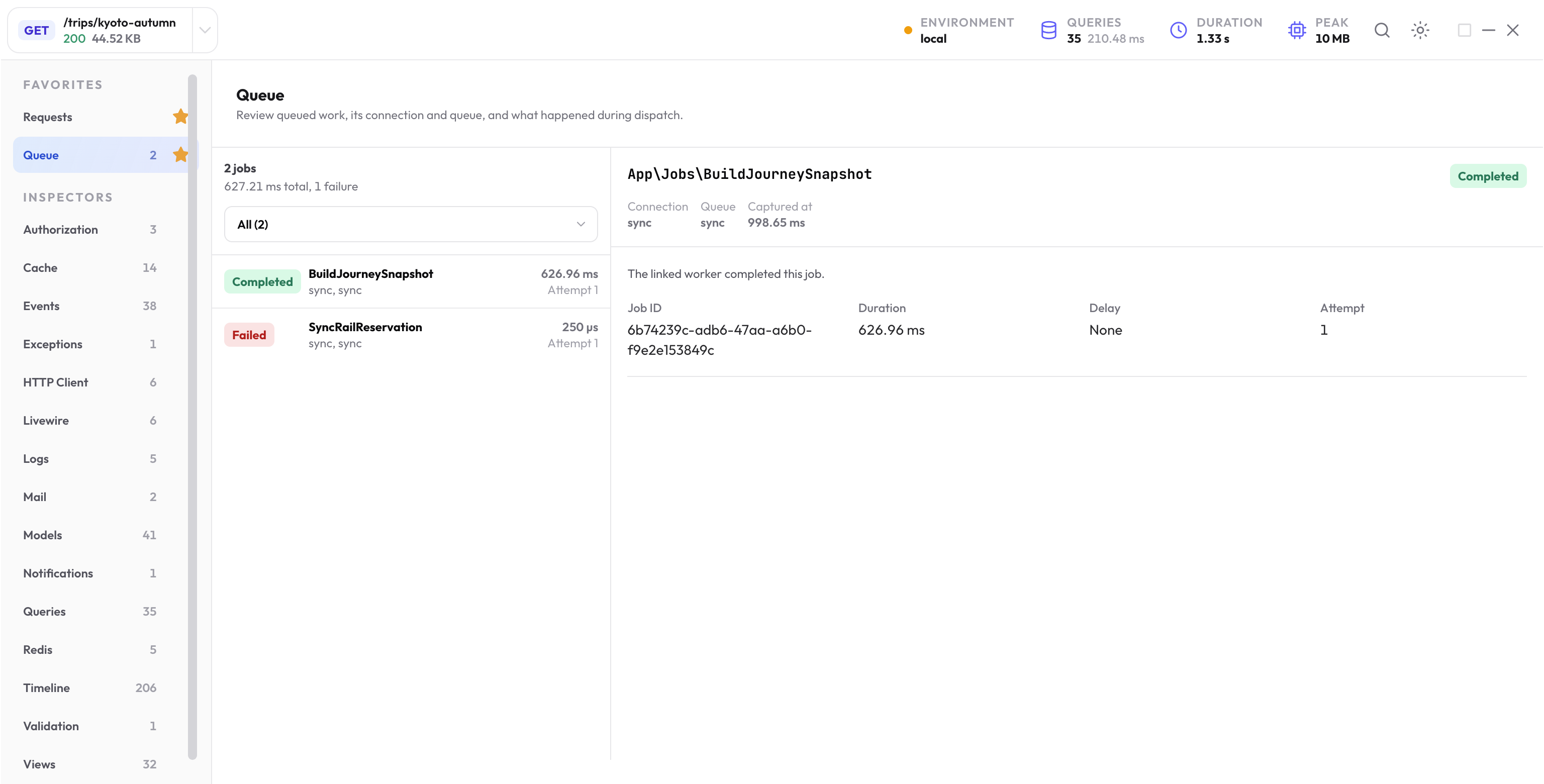
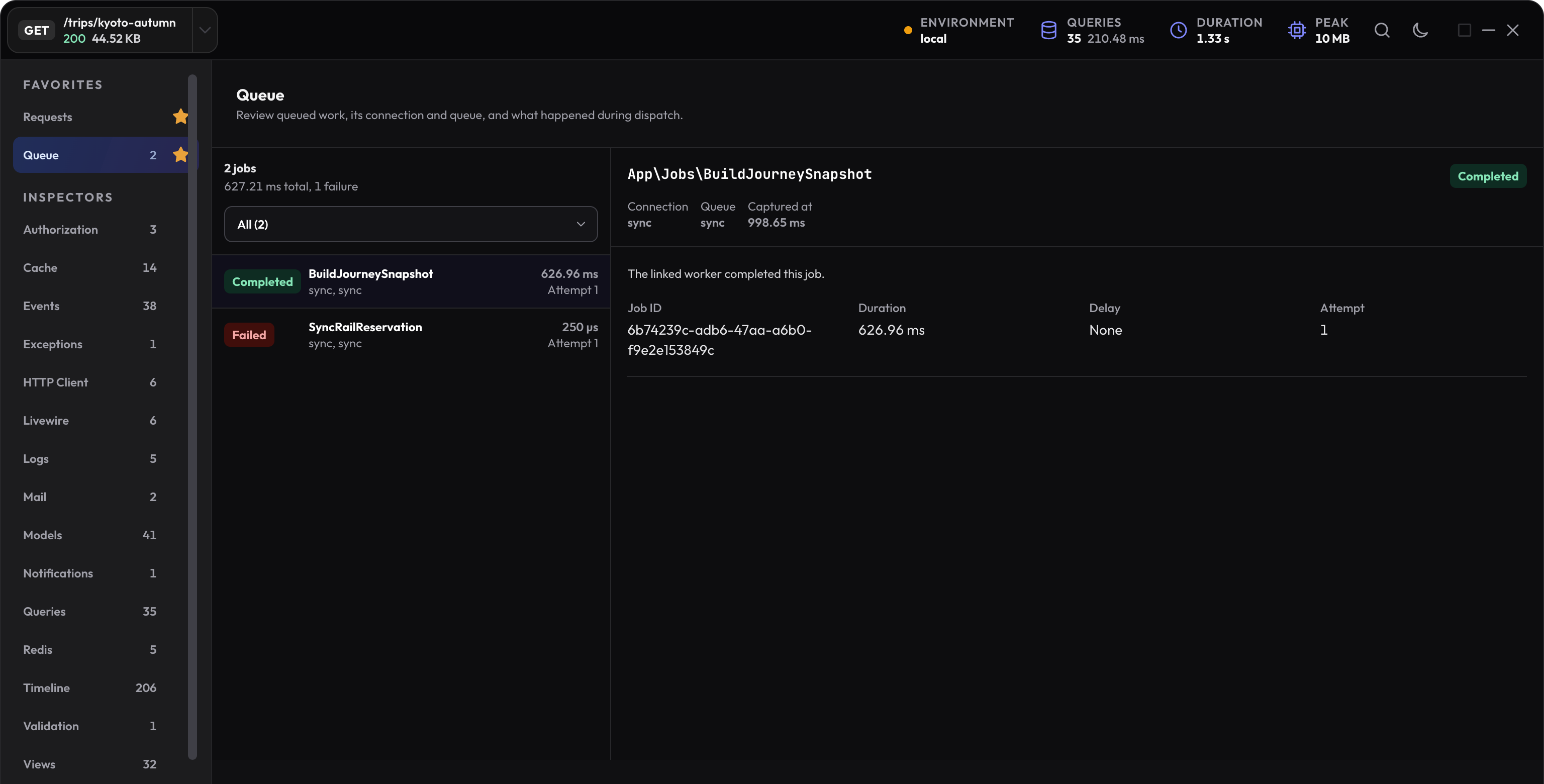
The Queue inspector records bounded lifecycle facts such as the job class, queued or executed kind, connection, queue, job ID, delay, source, duration when available, and failure state.
Use the application call site to answer why the job was dispatched. A job class tells you what can run; the source tells you which request path chose to run it.
Synchronous jobs finish in the same profile
Jobs sent through the synchronous connection run during the current request. Their execution duration and failures belong to that request profile, so compare them with the Timeline and total duration.
Refresh correlated worker activity
The New Debug Bar stores queue-worker executions as separate local profiles. Correlation facts can connect a dispatch, queued mail, or queued notification back to the worker profile that sent, completed, or failed it.
If the original profile still shows pending background work, let the local worker process the job and refresh related activity. Open the worker profile for its own queries, logs, exceptions, model writes, mail, notifications, and duration.
Inspect the profile where the failure occurred
A dispatch failure in the web request and a later worker failure are different events. Use the origin profile for dispatch evidence and the worker profile for the exception, attempt facts, logs, and side effects produced while running the job.
Retry attempts can point to more than one worker profile. Compare attempt number, status, exception class, and timing instead of treating the latest attempt as the whole history.
Debug one queued operation
-
Capture the origin request
Confirm the job, connection, queue, delay, and dispatch source. -
Run the local worker
Let the same queue process the job while The New Debug Bar is running. -
Refresh related activity
Open the correlated worker profile instead of expecting worker evidence in the web profile. -
Inspect the worker cause
Use Exceptions, Logs, Queries, Models, Mail, and Notifications inside that worker profile.
Example: follow a job on a local database queue
Use an existing configured queue with its required tables. In an app where BuildJourneySnapshot is a queued job, send one local example to a named queue:
BuildJourneySnapshot::dispatch($trip->id)
    ->onConnection('database')
    ->onQueue('journeys');
Record the origin response ID, then run a worker for that same connection and queue:
php artisan queue:work database --queue=journeys --once
The class and queue name belong to the example app. Use your own job and queue. Check that the worker has the package enabled in an allowed environment and can read the relevant profile storage.
If the job remains pending
| Check | Why it matters |
|---|---|
| Connection and queue | A worker listening elsewhere will not take this job. |
| Delay and availability | A delayed job may not be eligible yet. |
| Worker environment and loaded code | A long-lived worker may need a restart after a configuration or code change. |
| Profile directory and correlation data | Processes need access to the retained evidence to connect origin and worker profiles. |
| Retention | The originating profile can expire before you inspect the result. |
Refresh related activity in the original profile after the worker runs. If refresh reports an error, keep that error separate from the job’s actual status.
Compare attempts without losing the cause
-
Origin request
The dispatch records the job, target queue, and source. -
Worker attempt
A job profile records the work, failure, or completion of one attempt. -
Related activity
The origin can link to retained worker results when correlation data is available.
Retries can create more than one worker profile. Compare attempt number, duration, exception, and side effects. A later success does not explain why the first attempt failed.
For queued mail or notification delivery, continue with Mail and notifications.
Next step
Inspect queued communication
Preview mail, review notification channels, and follow queued delivery into its related worker outcome.
Open mail and notifications